> For the complete documentation index, see [llms.txt](https://basedapp.gitbook.io/docs/llms.txt). Markdown versions of documentation pages are available by appending `.md` to page URLs; this page is available as [Markdown](https://basedapp.gitbook.io/docs/trading/types-of-order.md).
# Types of Order
## Basic Order Types
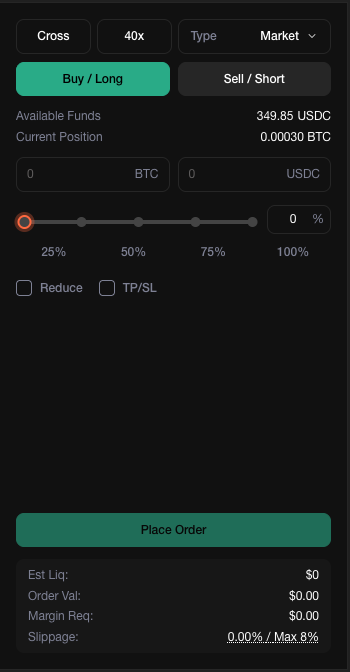
* **Market Order:** Executes immediately at the current best available price. Market orders prioritize speed of execution over price, making them ideal when you need to enter or exit a position right away. The final fill price may differ slightly from the displayed price due to slippage.
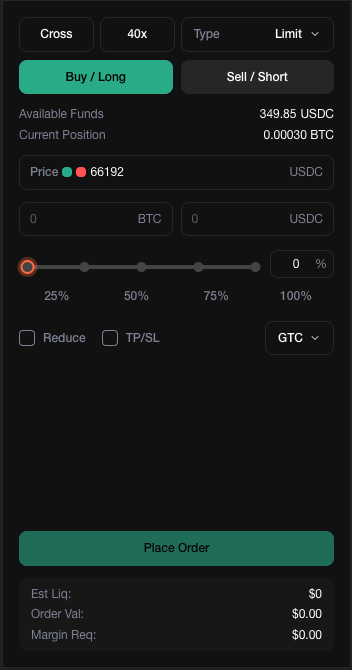
* **Limit Order:** Executes only at the specified limit price or a better price. Limit orders give you precise control over your entry or exit price, though there is no guarantee the order will be filled if the market never reaches your limit. They are commonly used by traders who want to target a specific price level.
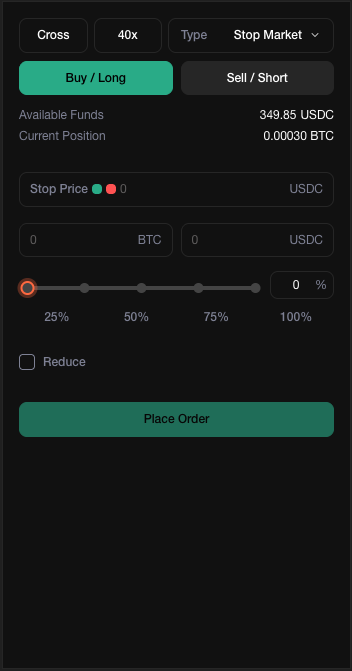
* **Stop Market Order:** Triggered when the asset reaches a specified stop price, at which point it becomes a market order. Stop market orders are commonly used to limit losses or lock in profits on an existing position. Once triggered, the order executes at the best available price.
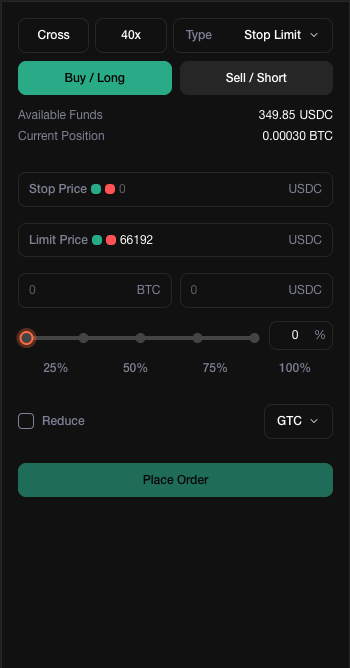
* **Stop Limit Order:** Similar to a stop market order, but once the stop price is reached it becomes a limit order instead of a market order. This gives you more control over the execution price after the trigger, though the order may not fill if the market moves past your limit. It is useful when you want downside protection with tighter price constraints.
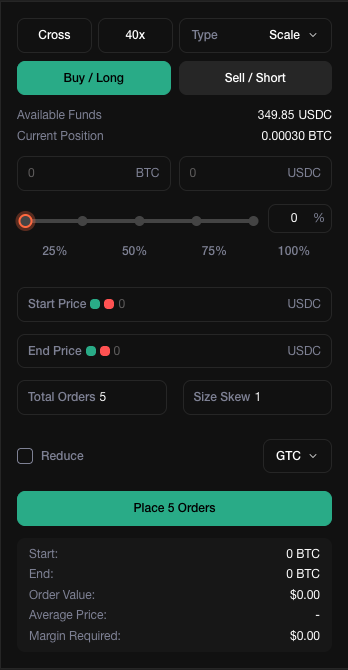
* **Scale Order:** Places a series of limit orders distributed across a defined price range. Scale orders allow you to build or reduce a position gradually at different price levels, helping to achieve a better average entry or exit. For more details, see [Scale Orders](/docs/trading/scale-order.md).
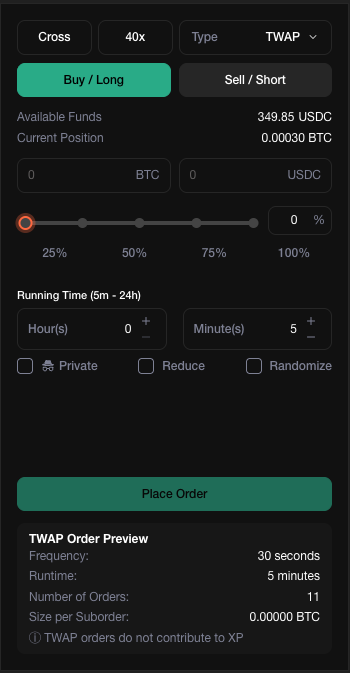
* **TWAP (Time-Weighted Average Price):** Splits a large order into smaller chunks executed over time, with a new suborder placed every 30 seconds to minimize market impact. Each suborder is limited to a maximum slippage of 3%, ensuring controlled execution even in volatile conditions. For more details, see [TWAP](/docs/trading/twap.md).
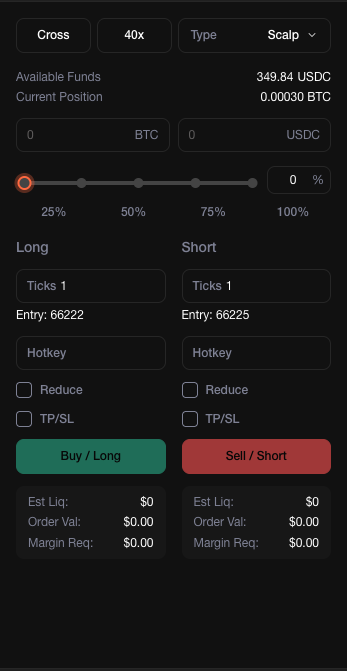
* **Scalp Order:** Designed for rapid position entry and exit. A scalp order lets you quickly open and close positions within tight price ranges, ideal for short-term scalping strategies. This order type streamlines the workflow for traders who need to act fast and capture small price movements. For more details, see [Scalp Orders](/docs/trading/scalp-order.md).
## Additional Order Options
* **Reduce Only:** Ensures the order only decreases an existing position rather than opening a new one or flipping your direction. This is a safety mechanism to prevent accidental position increases when managing exits.
* **Good Til Canceled (GTC):** Remains active on the order book until it is either fully filled or manually canceled by the trader. GTC is the default order duration for most limit orders.
* **Post Only (ALO):** Adds the order to the book without matching immediately, ensuring maker-only execution. If the order would immediately match with an existing order, it is rejected instead. This guarantees you receive maker fees rather than taker fees.
* **Immediate or Cancel (IOC):** Attempts to execute the order immediately at the specified price or better; any unfilled portion is canceled instantly. IOC orders are useful when you want immediate execution without leaving resting orders on the book.
* **Take Profit (TP):** Triggers a market order when the target profit price is reached, helping lock in gains automatically. TP orders can be customized to close all or part of your position at the specified trigger price.
* **Stop Loss (SL):** Triggers a market order when the price hits a specified loss threshold, limiting downside risk. Like TP orders, SL orders can be configured to affect a specific portion of your position.
{% hint style="info" %}
TP and SL orders are typically used to automate trade exits. You can customize the trigger price, limit price, and the portion of your position to be affected.
{% endhint %}