> For the complete documentation index, see [llms.txt](https://basedapp.gitbook.io/docs/llms.txt). Markdown versions of documentation pages are available by appending `.md` to page URLs; this page is available as [Markdown](https://basedapp.gitbook.io/docs/trading/trading-interface.md).
# Trading Interface
An overview of the key sections in the BasedApp trading terminal. Understanding the interface helps you monitor positions, manage orders, and track performance efficiently.
## Markets
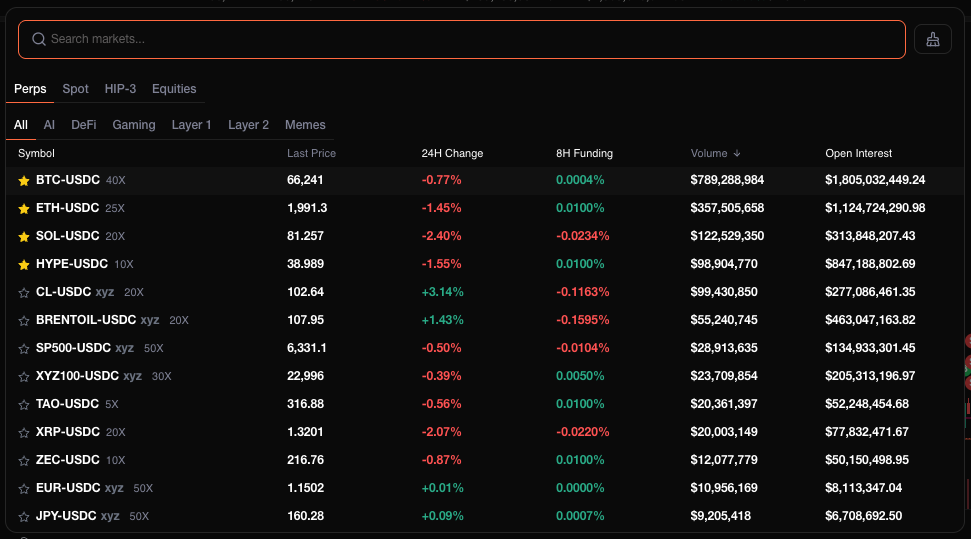
Browse all available trading pairs across Perps, Spot, and Equities. View key metrics including last price, 24h change, 24h volume, open interest, and funding rates at a glance.
## Watchlist
Pin your favourite markets to the watchlist bar for quick access. Displays the ticker, current price, and 24h change for each watched asset.
## Market Info
The market info bar at the top of the chart shows real-time data for the selected pair — mark price, oracle price, 24h change, 24h volume, open interest, and the funding rate with countdown to the next settlement.
## Chart
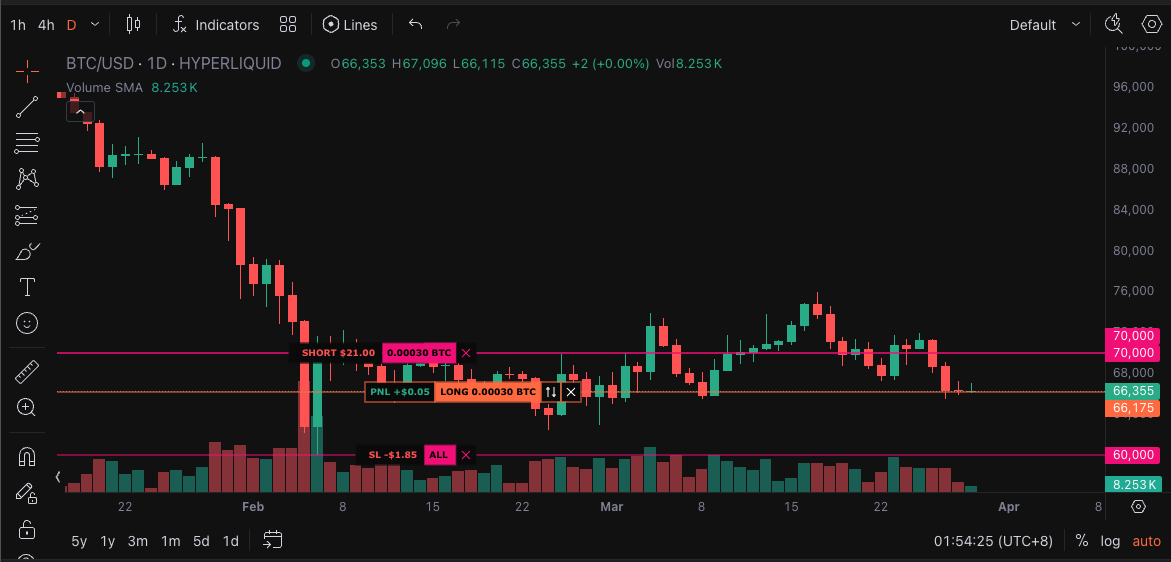
The TradingView chart displays price action and lets you draw on it, add indicators, and manage positions visually. TP/SL and order levels appear as draggable lines directly on the chart.
## Order Book & Trades
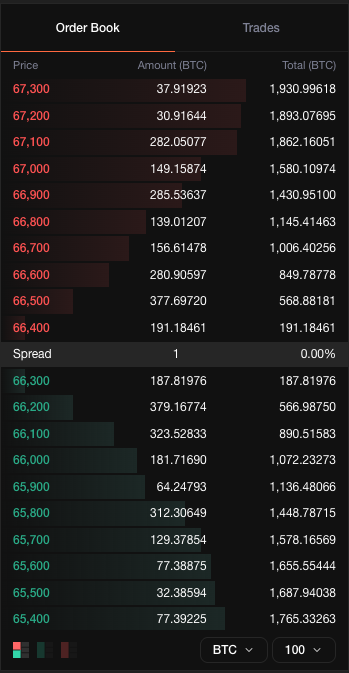
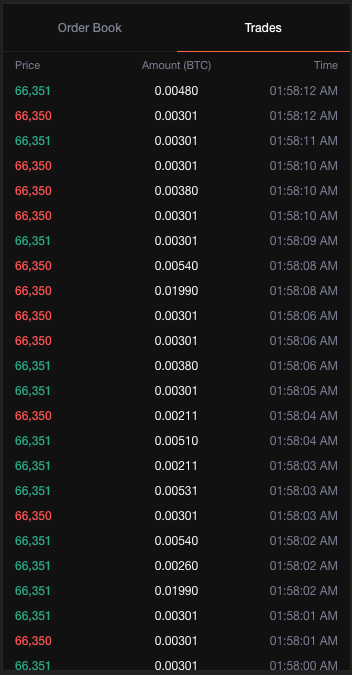
The order book shows resting limit orders on both sides of the market, giving you a view of current liquidity and depth. The trades tab displays a live feed of executed trades with price, size, and timestamp.
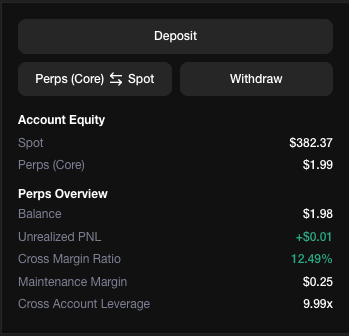
## Account Overview
The main trading dashboard provides a snapshot of your account equity, margin usage, and key performance metrics. Use this view to quickly assess your overall account health and available trading capacity.
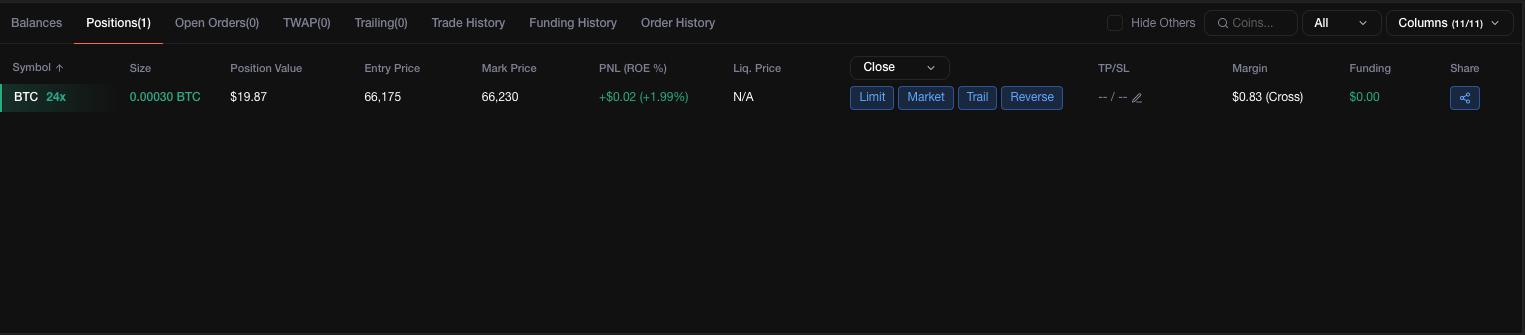
## Positions
Shows all open positions including entry price, size, unrealized PnL, liquidation price, and margin details. You can manage TP/SL, adjust margin (for isolated positions), and close positions directly from this panel.
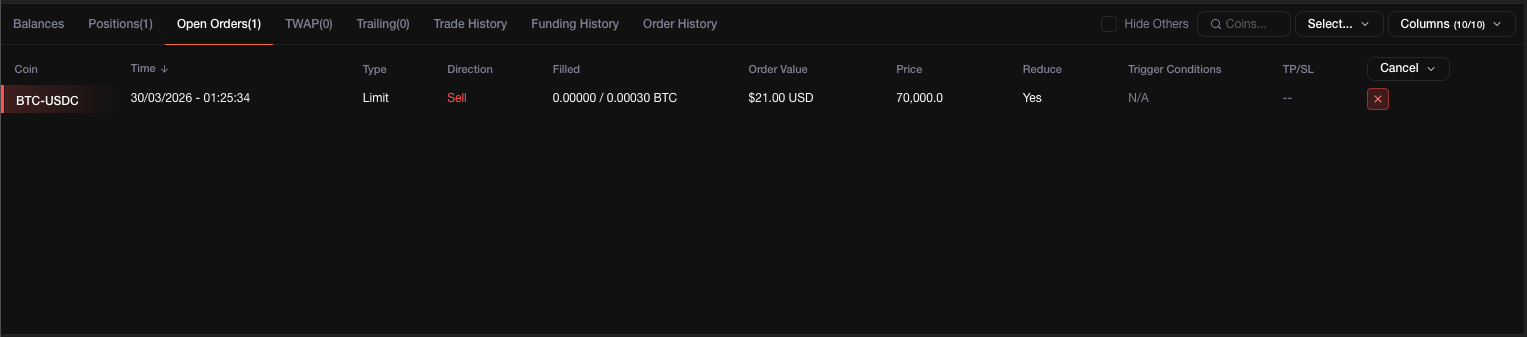
## Open Orders
Displays all active orders including limit, stop, TP/SL, and scale orders. You can modify or cancel orders from this panel.
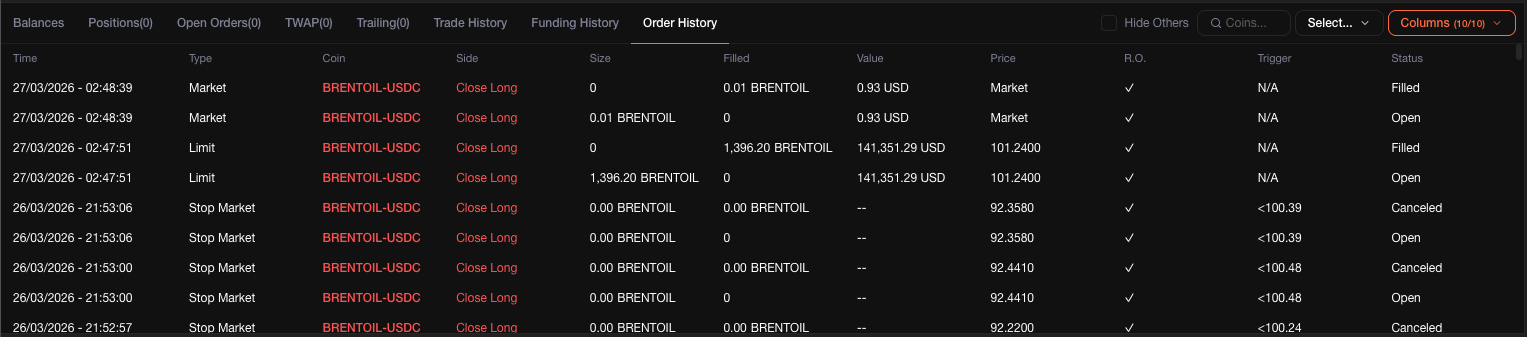
## Order History
A complete log of all orders placed, including filled, cancelled, and expired orders. Useful for reviewing execution and strategy performance.
## Trade History
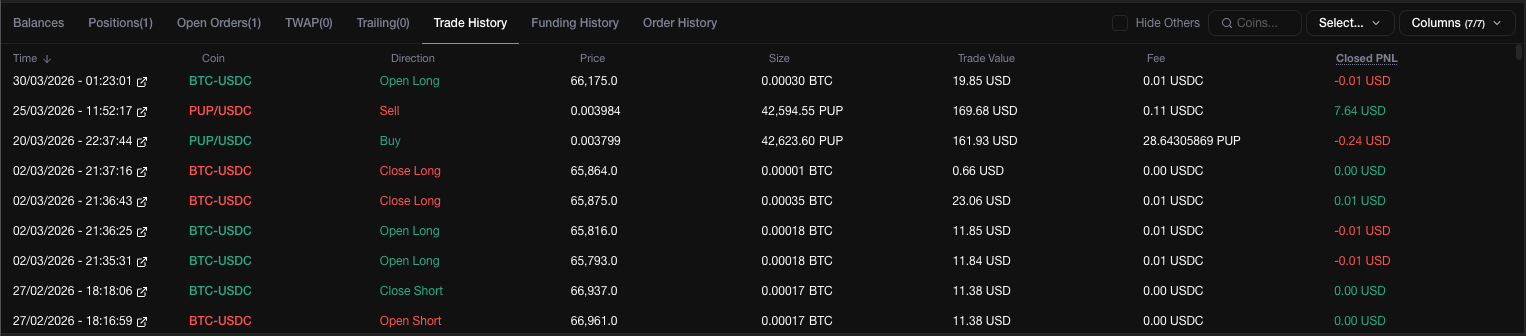
Shows individual trade fills with execution price, size, fees, and timestamps. Each fill corresponds to a matched order on the book.
## Balances
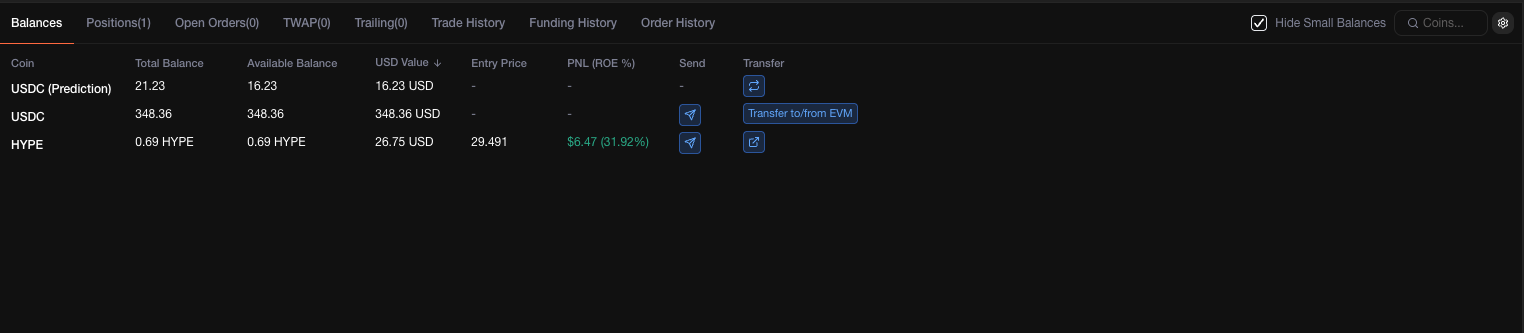
Displays your account balances including available margin, total equity, and cross/isolated margin allocation.
{% hint style="info" %}
All data in the trading interface updates in real-time. Unrealized PnL, margin ratios, and liquidation prices refresh continuously as market prices change.
{% endhint %}